AI Smart Assistant
Welcome, suggested questions, skills and result cards in one chat; quick control / scene edits briefly leave then return
What I can do
AI AssistantOne phone, no speaker needed
No traditional smart speaker required. Open the AI assistant — one phone controls the home.
Private aide, knowledge online
Your private smart aide with a full knowledge base for everyday device issues.
You set the mode, I orchestrate
Describe the device mode you want; I plan and set it, and flag anything unsafe to refine.
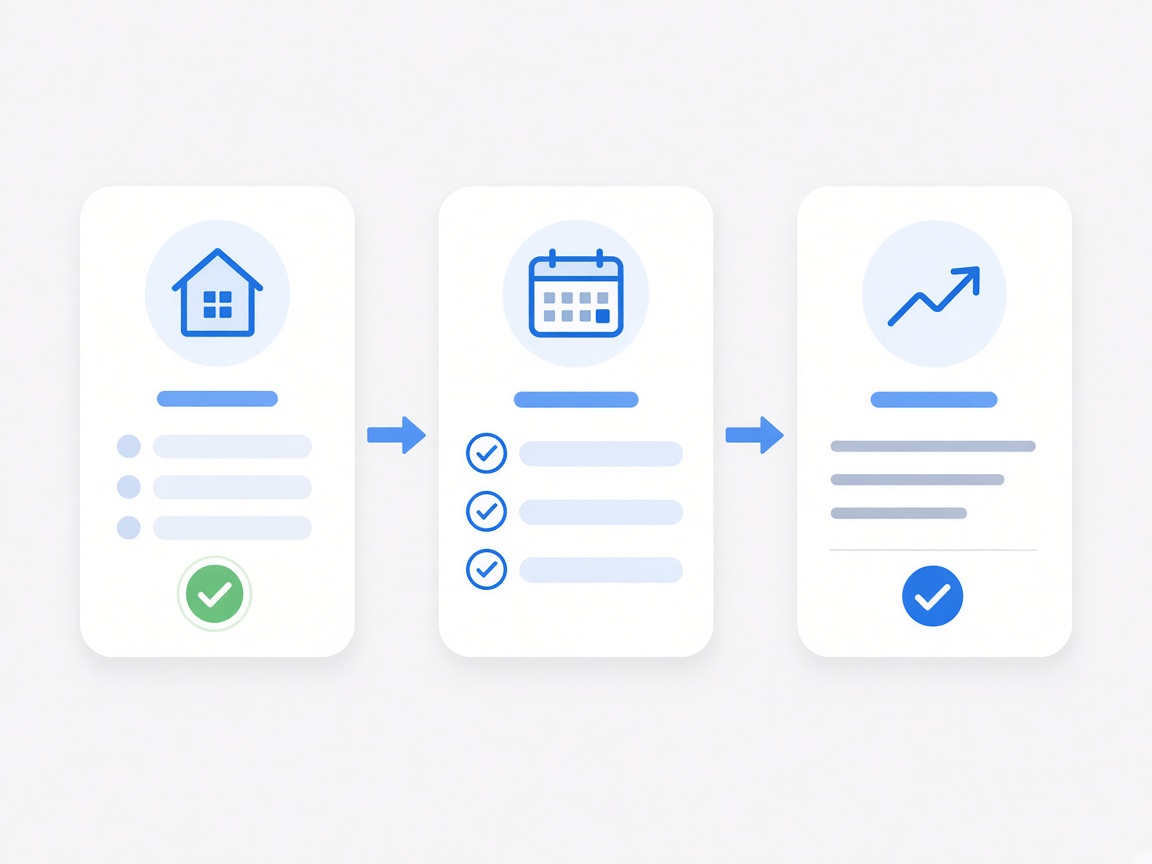
Three skills

Quick control
Open the assistant, tap Quick control, say what you need. It understands, runs the action, replies, and shows a device card.

Report issue
Tap Report issue and describe the problem. It answers from the knowledge base; unresolved cases prefill a feedback card for ops.

Create smart
Tap Create smart and describe a mode. It asks until ready, then creates it and shows a smart card you can run or edit.
Picking a skill swaps welcome copy and suggestions with a clear skill_type; you can also ask without picking one.
Everything in one conversation
Welcome, suggestions, skills, questions and result cards stay in one thread; only Quick-control lists and scene/automation edits briefly leave.
Start in chat
Welcome and suggestions ready; type or speak. Skill bar stays; ask without selecting.
Text first, then cards
Always reply in text first; attach device, feedback, list or create cards when needed.
History on demand
When history exists, prompt “pull for history”; don’t flood the view — load older on pull.
Ask without a skill
Without a skill, treat as general chat; the assistant may route into a skill while the bar stays unselected.
Vertically integrated IoT AI
MXCHIP IoT stack links modules, edge compute and cloud LLMs — Alibaba Cloud on the cloud side, NVIDIA GPU locally, chosen by scene.



Conversation preview
MXApp V4.10 · Assistant (home / chat result / create / feedback).
Tap a screenshot to enlarge
Four paths after opening
From Help Center and other entries into chat — paths don’t cross:
Pick on a separate page → back to chat as user intent → text result → device card/list as needed
Text answer → prefilled feedback card → user creates → text + feedback entry card
Q&A until ready → AI creates → text + smart card
General chat → skill result or plain text; skill bar stays unselected
Connect the conversational assistant to whole-home
Quick control · Report issue · Create smart — one conversation; book an advisor for integration & customization.
Book an advisor